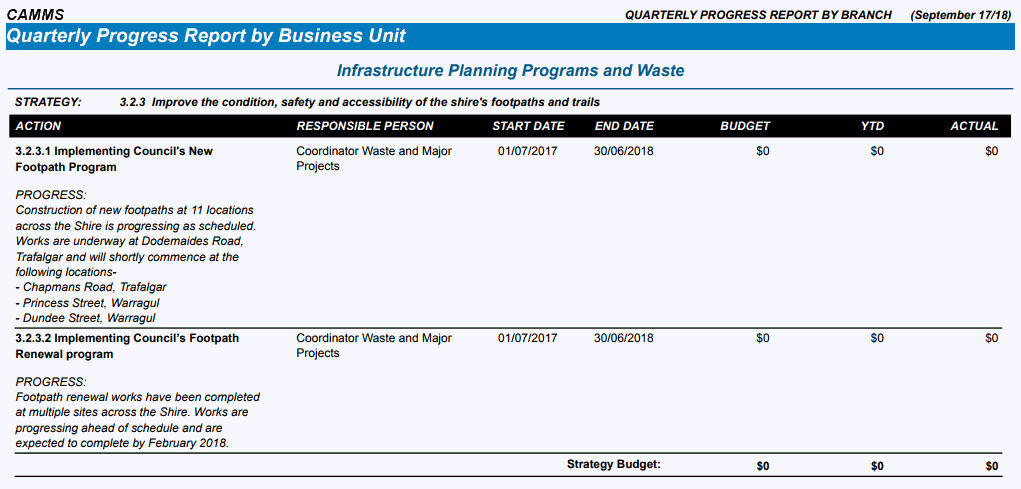
This report is similar to the Quarterly Progress Report, however you can filter by business unit.
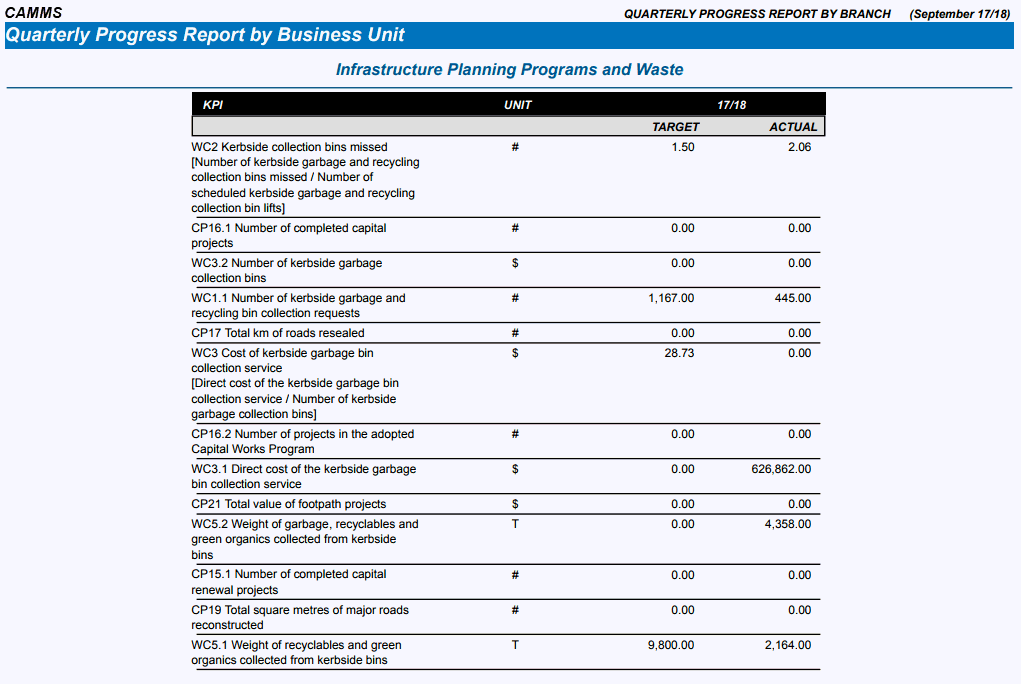
For a selected financial year and quarter, this report contains all Action Plans with budget YTD and actual figures for the year. It also contains the comments field for progress comments, a budget summary with budget figures and actual figures and a Strategic KPIs summary with targets and actuals for the year.
NOTE: if you have Monthly targets instead of Quarterly, then it will have a monthly filter instead of quarters. Please contact CAMMS if you would like any terminology changes.
STEP 1: To access this report, go to Reporting > Corporate Planning > Progress Reporting and select the 'Quarterly Progress Report by BU'.
STEP 2: Select the relevant criteria and click the 'Preview' button.
The filters available to sort the details are:
|
Filters |
Description |
Default Selection |
|
Quarter Reporting Year (or Month) |
Select the reporting year and Quarter (or month) which will determine what actions to be pulled across. NOTE: only actions within the reporting year and quarter (has a start and/or end date within the reporting year) will be displayed. |
Current financial year and first quarter |
|
Business Unit |
Select the Business Unit to filter by the Department. There is no show all option, therefore you must select a Business Unit. |
First Business Unit in the dropdown list |
Sample Output:
Copyright © 2014-2015 CAMMS Online Help. All rights reserved.
Last revised: September 04, 2018